
 TapToConnect
Reconnecting a channel
What to do when a channel says "Reconnect".
▶Watch the video: connecting channelsWith captionsSometimes the permission you gave Socialschedulr expires. For example when you change your password, are no longer an admin of a Page, or when LinkedIn lets the access expire after a while. The channel then shows Reconnect.
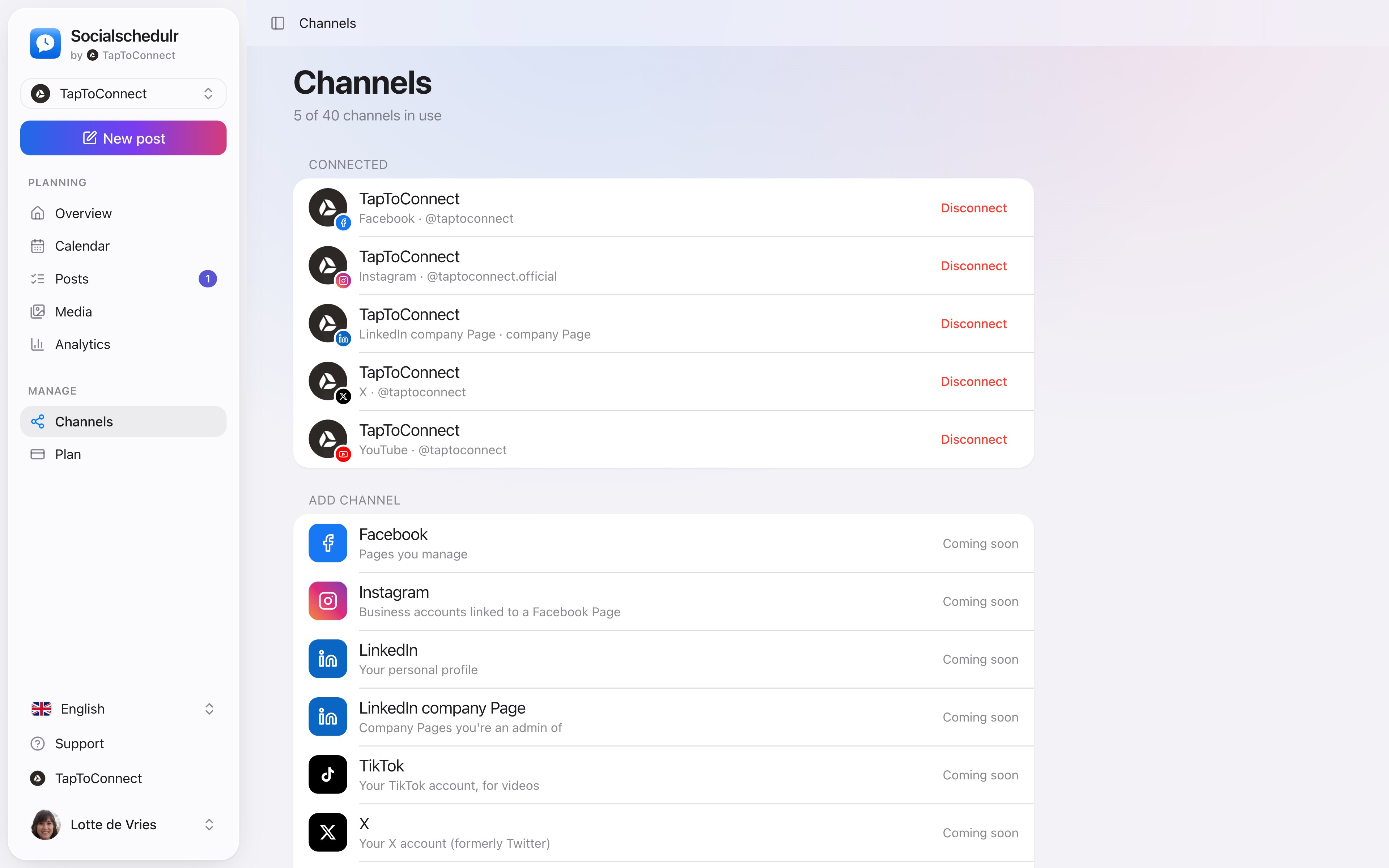
- Go to Channels.
- Click Reconnect on the channel.
- Log in and give permission again.
Your scheduled posts stay as they are. Posts that failed in the meantime can be published again with the Retry button under Posts → Failed.
Disconnecting a channel
Under Channels, click Disconnect. Scheduled posts for that channel will then no longer be published. What's already on the platform stays there.
Still stuck? Email us at info@taptoconnect.nl. A real person reads it and helps you out.