
 TapToConnect
The media library
Reuse photos and videos you uploaded earlier.
▶Watch the video: posts and calendarWith captionsEverything you upload goes into the media library. You find it under Media in the sidebar.
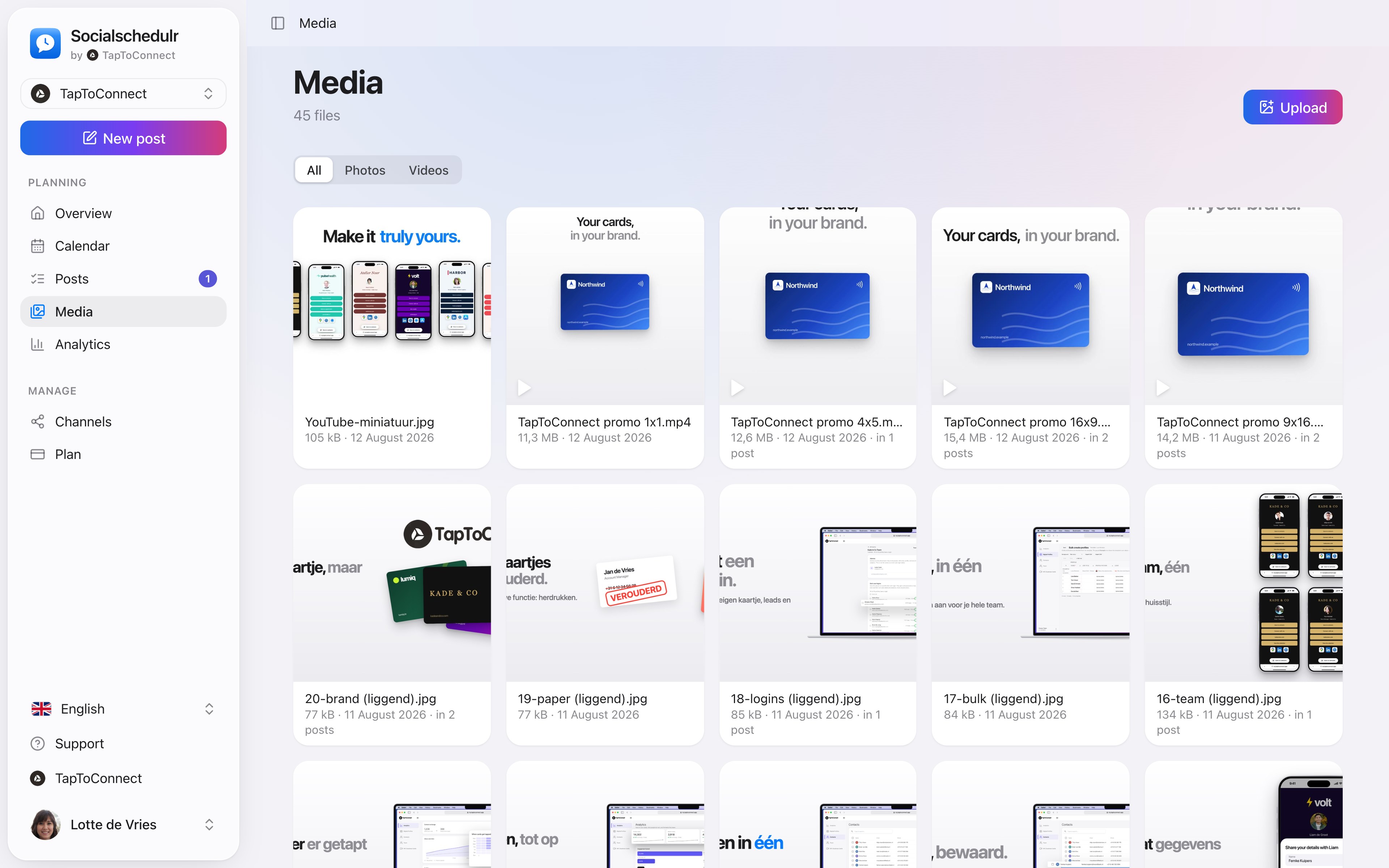
- Uploading: click Upload and choose photos or videos.
- Reusing: in a new post, click Library under Photos and video, tick the files and click Add. The numbers show the order.
- Deleting: hover over a file and click the trash icon. Files that are still in a draft or scheduled post can't be deleted.
Still stuck? Email us at info@taptoconnect.nl. A real person reads it and helps you out.