
 TapToConnect
Restoring a post from the trash
Deleted posts are kept for 30 days.
▶Watch the video: posts and calendarWith captionsWhen you delete a post, it goes to the trash. It stays there for 30 days; after that it's deleted permanently.
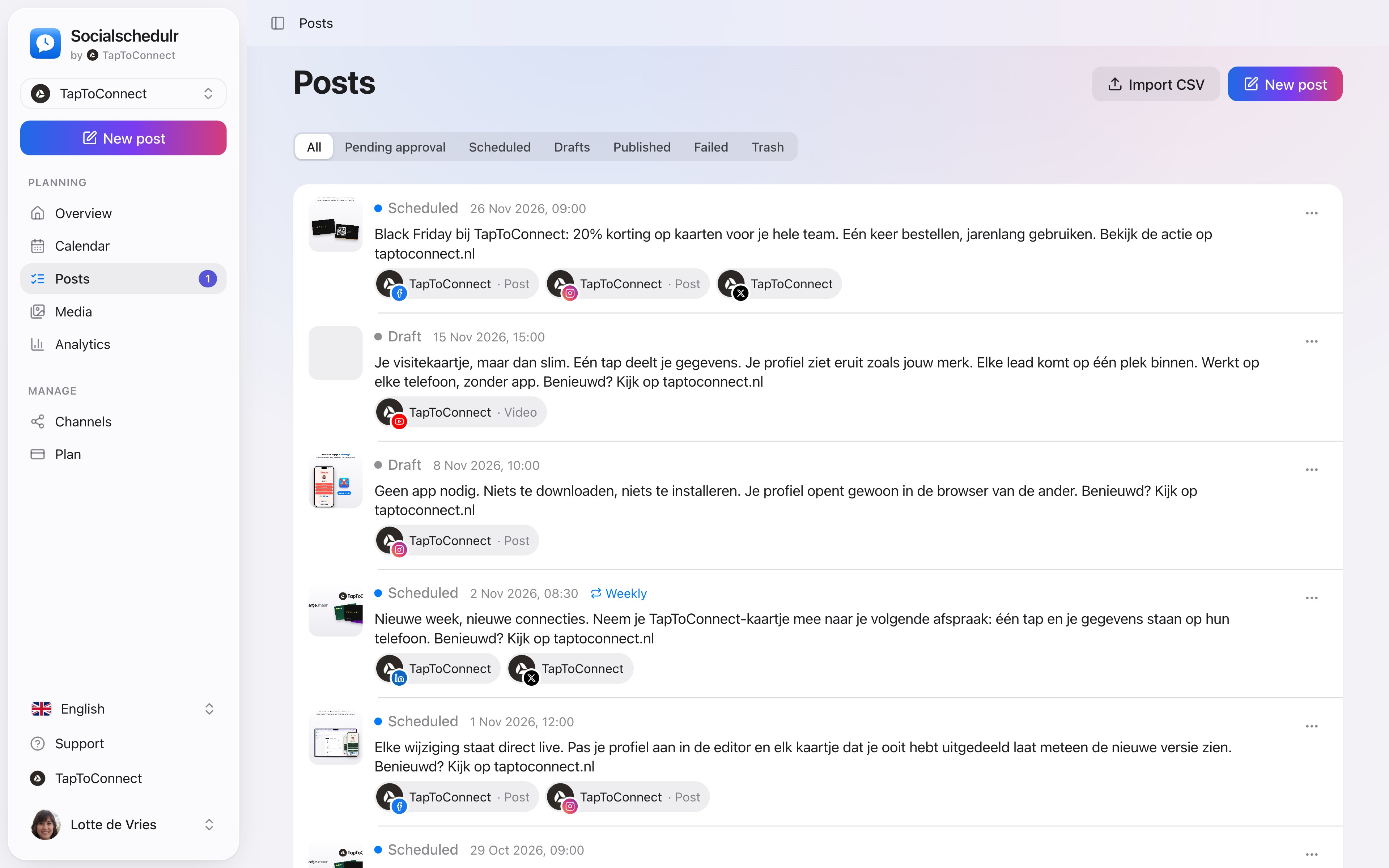
- Go to Posts and choose Trash at the top.
- Click Restore on the post.
A post that hadn't been published yet comes back as a draft. That way nothing goes live unexpectedly. Open it, check the date and click Schedule.
Want to delete a post permanently right away? Click the trash icon in the trash.
A post that's already on Facebook, Instagram or another channel stays there. Delete it there yourself if needed.
Still stuck? Email us at info@taptoconnect.nl. A real person reads it and helps you out.